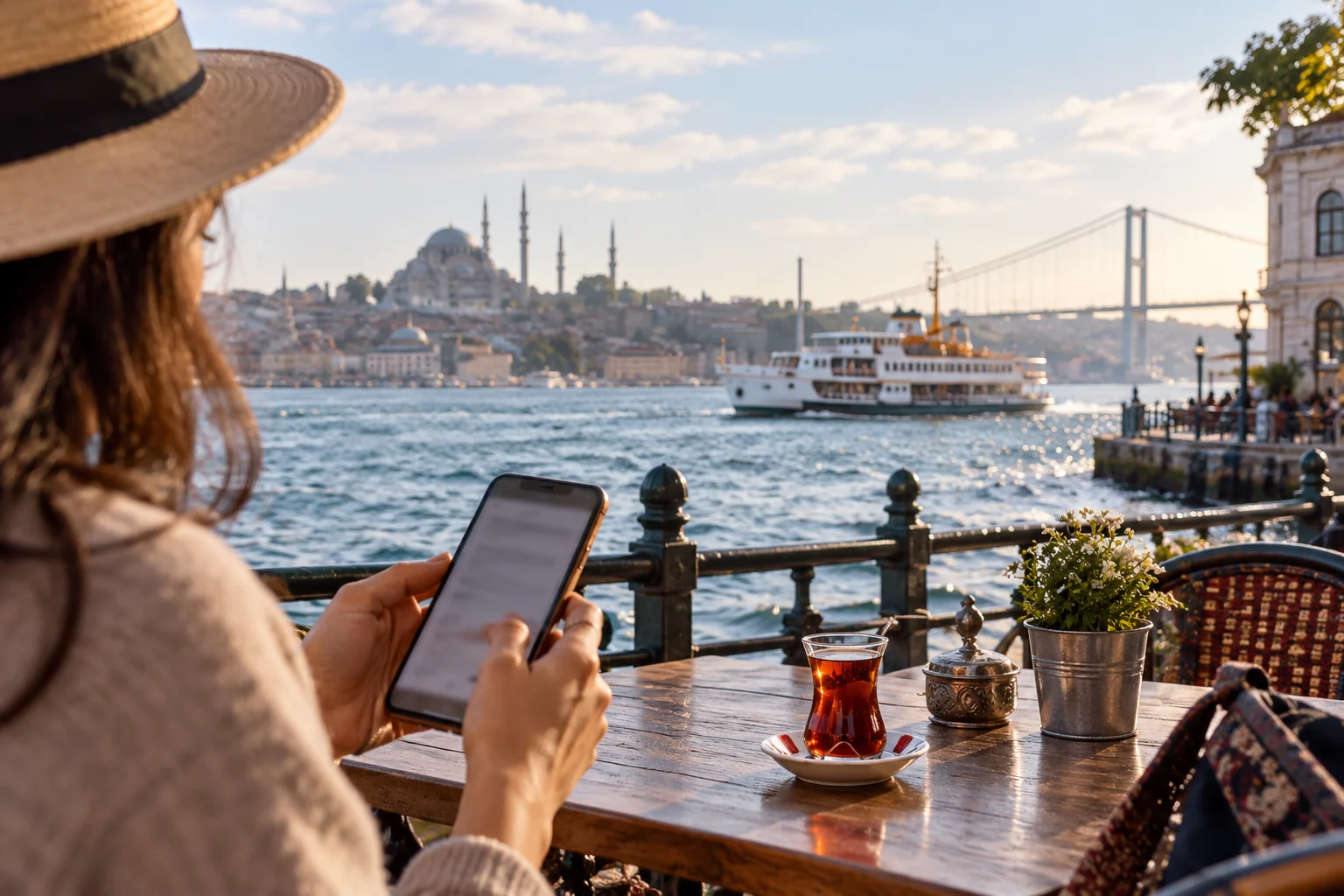
Free Wi-Fi in Istanbul can help with a quick message or a route check, but you should not build your airport pickup or sightseeing day around finding an open network. Start with the official connection at the place you are using, then keep a mobile-data or offline backup.
Header image: original AI-generated travel illustration, not a documentary photograph.
Which connection should you try?
| Where | First step | Important limit |
|---|---|---|
| Your accommodation | Ask reception for the guest network and login. | Confirm availability and reliability before remote work. |
| Cafe or restaurant | Ask staff for the correct network and customer access rules. | A listed hotspot is not a guarantee of free public access. |
| Municipal hotspot | Follow the current İBB Wi-Fi registration process. | Coverage and authentication depend on the location and device. |
| Istanbul Airport (IST) | Use the network and sign-in instructions displayed by the official provider. | Check the service’s own terms; do not apply an old one-hour rule to every network. |
İBB Wi-Fi: use the official app and instructions
The municipality’s official İBB Wi-Fi app listing describes phone-number registration and a verification code. It lists public spaces and transport hubs as service locations. This does not mean every park, vehicle or station has a usable connection.
If you use a US number, check the country code and whether your line can receive verification messages abroad. If the code does not arrive, ask at an official help point or use another connection; do not repeatedly submit personal details to lookalike portals.
Airport Wi-Fi is a separate service
Turkish Airlines currently describes TK WiFi at Istanbul Airport as free and unlimited, with flight-detail or Miles&Smiles sign-in. See our airport-specific connection guide for the current source and troubleshooting steps. IST and Sabiha Gökçen (SAW) are different airports; one airport’s instructions should not be assumed to apply to the other.
Connected to Wi-Fi but no internet?
- Check the network name with staff or official signage.
- Open a browser and look for the provider’s login page; a Wi-Fi icon alone does not mean authentication is complete.
- Read the portal instructions and complete the offered login method.
- If a connection remains unusable, forget the network and reconnect, or ask staff for help.
- Use your prepared backup for an urgent pickup message rather than missing a meeting while troubleshooting.
Do not bypass certificate warnings or install an unfamiliar profile because a login page asks for it. A VPN does not make a fake portal trustworthy or guarantee faster Wi-Fi.
What to save before leaving your hotel
Keep your hotel address, meeting point, guide contact, confirmed itinerary and return route available offline. Screenshot the necessary details without exposing passport or payment data. For a wider route, compare Turkey SIM, eSIM and roaming choices.
Use the Turkey clock to coordinate with people in the US and the tourist map for general destination planning. Our USA planning guide and Turkey tour packages help connect the practical details with your route.
Can I rely on free Wi-Fi for the whole trip?
For occasional messages it may be sufficient, depending on your accommodation and stops. For navigation between places, time-sensitive calls or remote work, compare a data plan and keep an offline alternative. No connection option guarantees coverage everywhere.
Ask our Istanbul team for the confirmed pickup and contact arrangements with your tour quote.