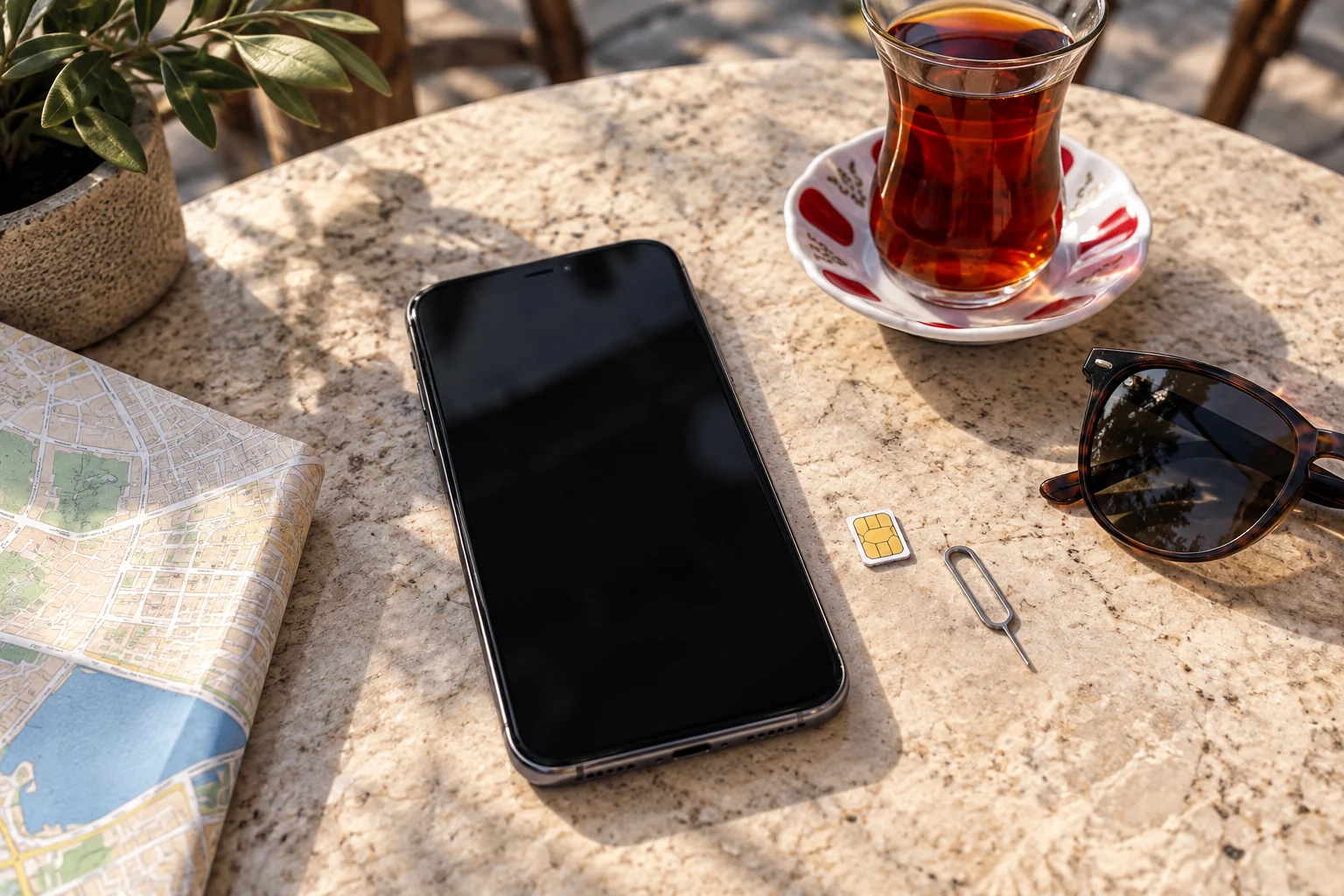
For internet in Turkey, compare a local SIM, an eSIM, your home carrier’s roaming plan and Wi-Fi. The best option depends on your phone, need for calls or SMS, trip length and the places you will visit. A cheap headline price means little if the plan cannot be activated on your device.
Header image: original AI-generated travel illustration, not a documentary photograph.
Compare the four options
| Option | What to compare | Useful question |
|---|---|---|
| Local physical SIM | Unlocked phone, registration, data, calls and validity. | What identification and activation steps apply to this tourist plan? |
| eSIM | Exact device support, activation method and local network. | Is this data-only or does it include a usable phone number? |
| Home-carrier roaming | Turkey inclusion, daily charges and allowances. | Does my plan include Turkey specifically? |
| Wi-Fi | Availability and login at each stop. | How will I reach my driver if I am between hotspots? |
Before buying a local SIM or eSIM
- Check whether your exact phone model is unlocked and compatible. A model name alone may not cover every regional variant.
- Confirm the amount of data, validity period, activation deadline and final price including any setup charge.
- Ask whether tethering is supported if you need a laptop connection.
- Check calls and SMS separately from data. Receiving a US bank verification message on your home number is a separate issue.
- Ask how support works if activation fails after arrival.
A current local-operator example
Turkcell’s official tourist SIM information, checked on October 13, 2026, describes physical-SIM and eSIM routes. It lists passport-based verification and additional device requirements for in-app activation, including eSIM and NFC support. Follow the current operator instructions for your situation rather than assuming every airport counter can activate every plan.
This is an example to verify, not an endorsement or a promise of eligibility, price or coverage. Compare current alternatives directly with their providers. Do not upload identity documents to this travel guide or send them to an unverified reseller.
Can I arrange an eSIM before flying?
Check the provider’s purchase, installation and activation instructions before departure. These are different steps: a plan might start when installed, when activated or when it first connects. Ask whether you can access its app or setup instructions at your destination and what happens if you need a refund.
Keep your home line available deliberately
With a dual-SIM setup, choose the correct line for mobile data and understand your carrier’s charges for calls, messages and roaming. Do not assume turning off data roaming also prevents every other charge. Save support instructions before changing settings.
Wi-Fi and an offline backup
Read our Istanbul Wi-Fi guide and Istanbul Airport Wi-Fi guide for location-specific options. Save hotel details, pickup instructions and the confirmed tour contact offline. No plan guarantees uninterrupted coverage during every road journey.
The Turkey tourist map helps identify the regions in your trip; it is not a network coverage map. Use our budget calculator to include a dated connectivity quote in your personal spending allowance.
Which option should a US traveler choose?
If your home roaming package explicitly includes Turkey and meets your data needs, compare that total with local alternatives. If you need a local number, ask specifically about calls and SMS. If you only need occasional messages and have reliable accommodation Wi-Fi, keep an offline fallback for transfers.
Our USA travel planning guide connects these arrival details with the route. Ask for your confirmed itinerary and contact arrangements when booking a tour.